
What to check, and why snooping backfires in South Carolina
When a marriage starts coming apart, spouses snoop. It is one of the most common things we see, and the phone is almost always where it starts. If you think your husband or wife is getting into your iPhone, there is a lot you can do about it in about ten minutes — and one very good reason never to do the same thing back.
Five places to look
Older advice about clearing your open apps and checking them later no longer works reliably. These checks do. Each one takes under a minute.
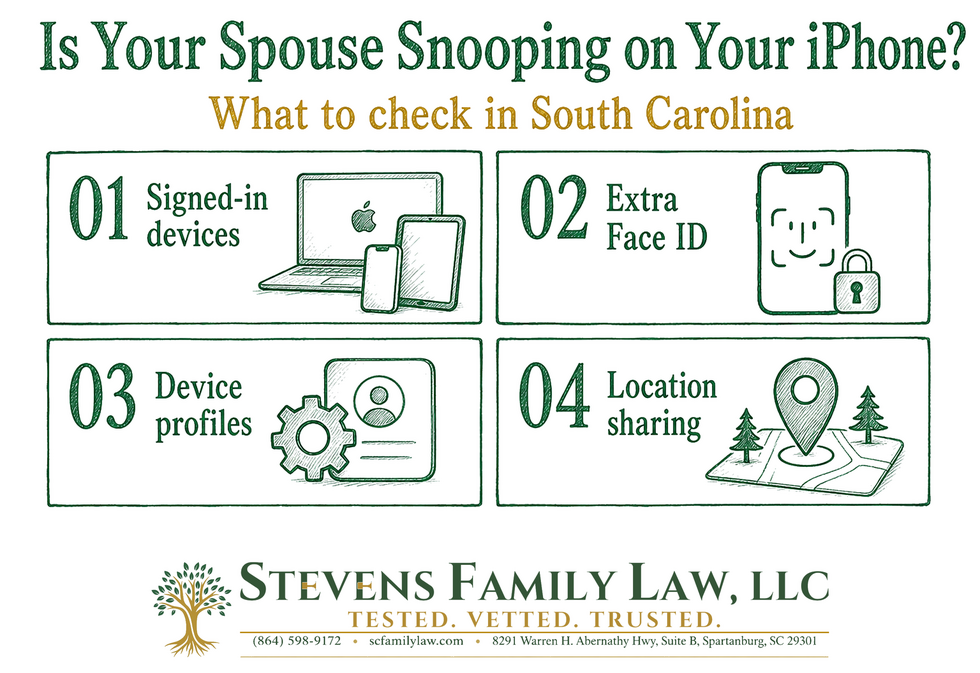
- Who else is signed into your account. Open Settings, tap your name, and scroll to the list of devices. Every phone, tablet, and computer on that list receives your messages, photos, and notes. Remove anything you do not recognize.
- Your verification numbers. In Settings → [your name] → Sign-In & Security, check the phone numbers listed under two-factor authentication. If your spouse's number is there, they are getting your security codes.
- An extra face or fingerprint. Anyone with your passcode can quietly add their own face to your phone. The fix is simple: Settings → Face ID & Passcode → Reset Face ID, then set yours up again.
- A profile you did not install. Look under Settings → General → VPN & Device Management. On a personal phone, an unexplained profile there is one of the clearest signs of deliberate monitoring.
- Who can see your location. Open the Find My app and tap People. Location sharing can also be turned on inside a Messages conversation or from a contact card, so check those too.
- If you only do one thing, do this: Settings → Privacy & Security → Safety Check. Apple built it for exactly this situation, and it walks you through everything you are sharing, with everyone, in one place.
Three ways to lock it down
- Change your passcode to letters and numbers. A spouse who has watched you unlock your phone a thousand times knows your six digits. Go to Settings → Face ID & Passcode → Change Passcode → Passcode Options → Custom Alphanumeric Code.
- Turn on Stolen Device Protection. It is in Settings → Face ID & Passcode, and it is the best protection there is against someone who already knows your passcode. With it on, your passcode alone is no longer enough to change your account password or turn off Find My.
- Protect your messages with your lawyer. Use an email account your spouse has never had access to, and do not let your phone back up to a shared home computer. Of everything on your phone, your communications with your attorney are the ones you can least afford to have read.
Two cautions. Changes like these are often noticeable, so if you have any concern about how your spouse may react, call us first. And never delete anything — once a separation is on the horizon, you have an obligation to preserve evidence, and deleting messages will hurt you far more than whatever they contained.
Why snooping backfires
Clients often assume that being married makes it legal. It does not, and the consequences in South Carolina are serious.
Intercepting a spouse's electronic communications is a felony under state law. On top of that, the person you snooped on can sue you — and our wiretap statute sets damages at a minimum of $25,000, plus punitive damages and your spouse's attorney's fees. Reading a phone without permission can also violate South Carolina's computer crime law, which specifically covers cell phones.
Then there is the part that stings most: evidence obtained that way is often thrown out. You can end up with a criminal charge and a five-figure judgment in exchange for evidence the judge will never see. Handing it to your lawyer does not fix that — passing it along can be a violation all by itself.
If you believe your spouse is hiding assets or conduct, there is a lawful way to find out. Discovery, subpoenas, and a properly retained investigator get you there without handing the other side a case against you.
If you are in danger, please do not work through this alone. The National Domestic Violence Hotline is available 24 hours a day at 1-800-799-7233.
Stevens Family Law, LLC represents clients in complex and high net worth family law matters across South Carolina. If you have concerns about your privacy or the evidence in your case, we would be glad to talk with you.
This article is general information, not legal advice, and reading it does not create an attorney-client relationship. Settings described here reflect iOS 26 as of September 2026 and may differ on your device.



Comments
There are no comments for this post. Be the first and Add your Comment below.
Leave a Comment